11Tracking
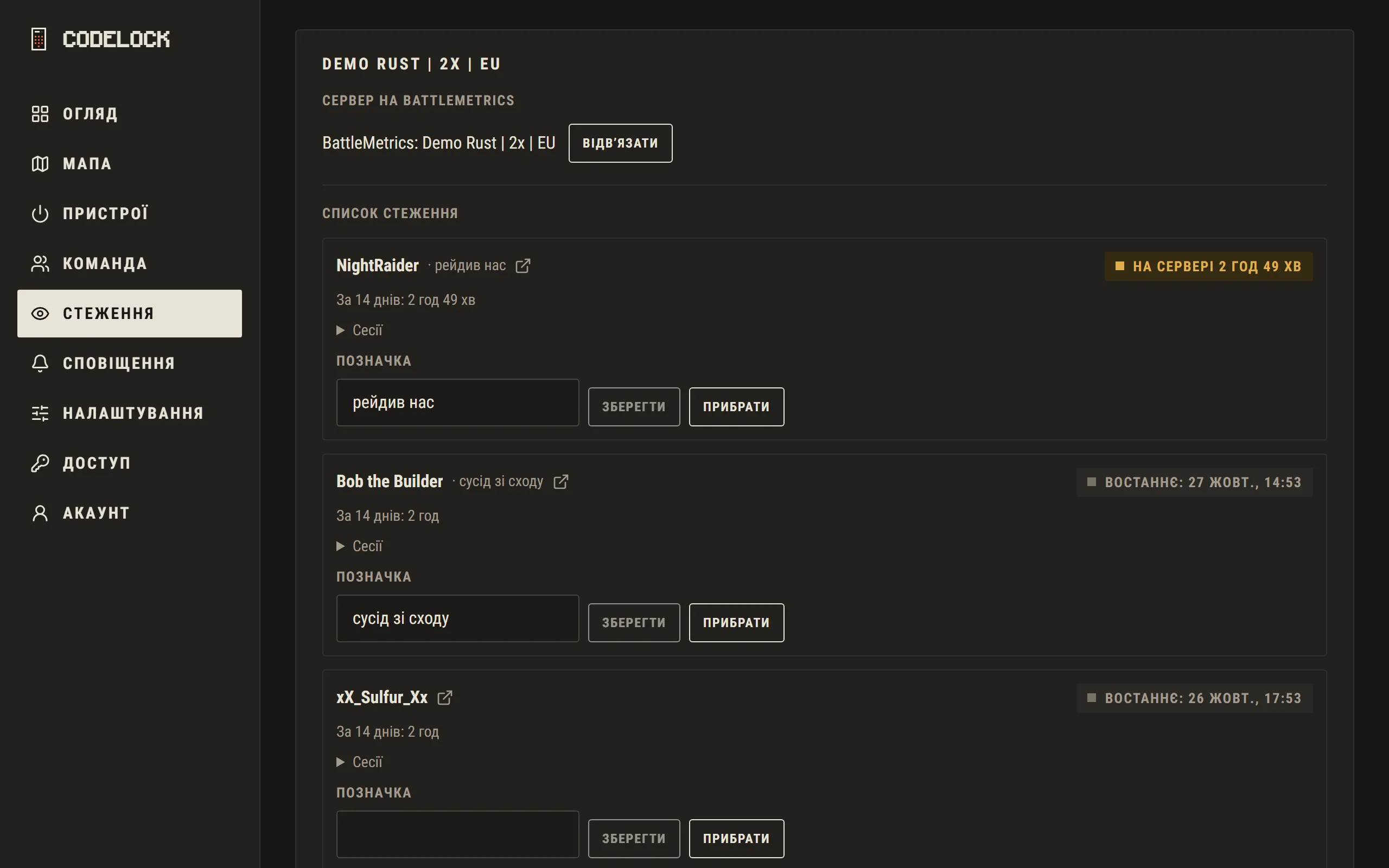
Tracking works through BattleMetrics. Codelock finds your server there by its address and name; if it cannot tell for sure, it asks you to pick.
- Player check — paste a SteamID or a Steam or BattleMetrics profile link: hours in Rust, bans, account age and servers where they were seen.
- Tracker — the players your team watches: when they come and go, how long they play. Add them by name (online or not) or by SteamID or link.
- When a listed player comes or goes, the team hears about it in notifications and in the game chat (!tracked — who is on now).
- «When your enemies are online» — a chart by weekday and hour over the last 14 days, for the whole list and for each player, summed up as «Usually online: 19:00–01:00». It shows when a raid is most likely.
- When a Smart Alarm goes off, its card says «Tracked players online: …» — who of the list is on the server right then.
- Raids — a report over 14 days: alarms no more than 20 minutes apart make one raid. It shows the time, which alarms went off and how often, who of the team died (with the grid square) and who of the watch list was on the server. Once a raid is over (20 minutes without alarms), the team gets a «Raid report» wherever its alarms go.
BattleMetrics matches whole words: if nothing is found, try the full name.