05Connecting Rust+
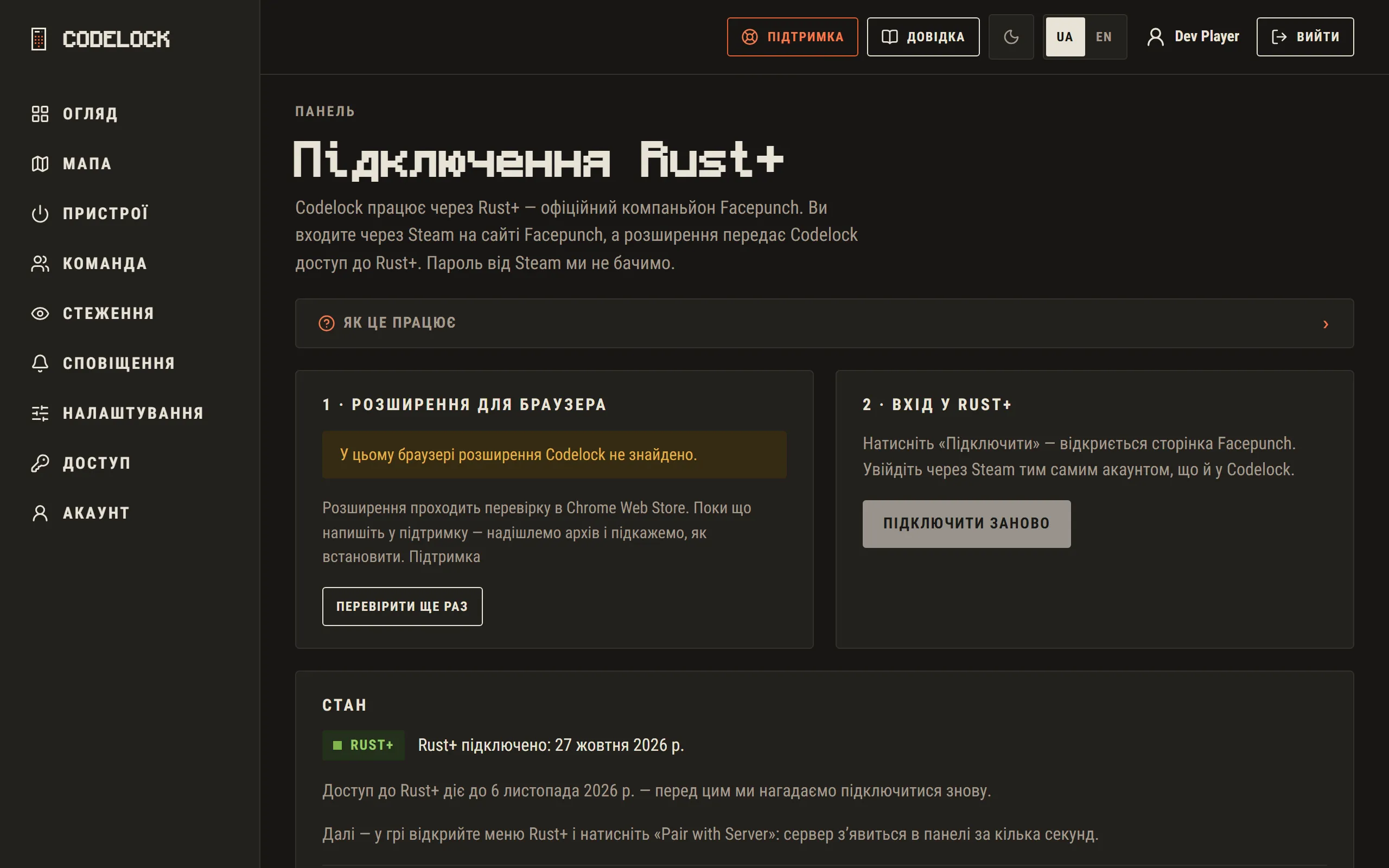
- Open "Connect Rust+" on the overview — the page checks whether the extension is installed.
- Click "Connect": Facepunch’s page opens.
- Sign in with Steam using the same account as in Codelock.
- The page says "Done: Rust+ is connected".
If Facepunch’s page does not open by itself, enter the one-time code from the site in the extension’s window. The code lasts 10 minutes.
Rust+ access lasts a few weeks. Before it ends we remind you — then simply connect again on the same page.